



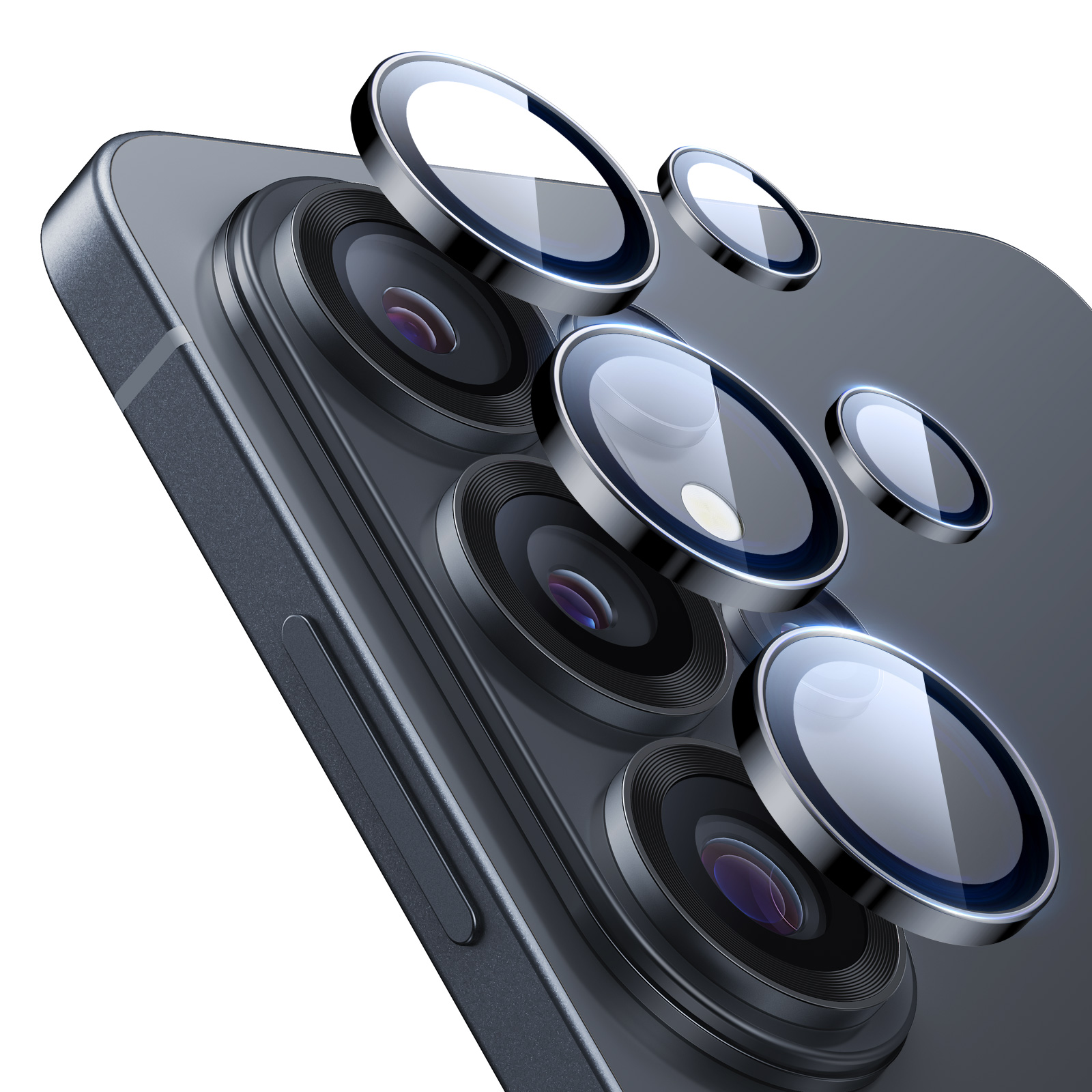
ESR Camera Lens Protectors for Samsung Galaxy
Select a Model
Video is coming soon
FAQ
Need help? Our support team will reply within one business day.
Useful?
ESR Camera Lens Protectors for Samsung Galaxy
Select a Model
Video is coming soon
FAQ
The Armorite lens protectors feature an anti-reflective coating and a specially treated surface to help minimize fogging during everyday use.
In certain environments, such as sudden temperature changes or high humidity, temporary fogging may still occur. This is a normal physical reaction and usually clears on its own once conditions stabilize. To help prevent fogging, install and use the lens protectors in a dry environment and allow your phone to gradually adjust when moving between areas with large temperature differences.
If fogging does occur, remove the lens protectors and allow both the phone and protectors to dry completely before reinstalling.
For best results, install the camera lens protectors by following the instructions in the included manual or video guide. The tips below can help ensure secure adhesion:
• Before removing the alignment guide, press each protector firmly to set the adhesive.
• After installation, use the included microfiber cloth to press each protector for 10 seconds if needed.
• Avoid repositioning the protectors once installed.
Yes. The camera lens protectors work with most third-party cases. For reference, they are fully compatible with all ESR cases and Apple official cases.
To remove the lens protectors, follow these steps:
1. Place your phone face down on a hard, flat surface.
2. Use the included removal tool and refer to the manual or video guide.
3. Gently insert the tool into the gap between the lens and the protector, starting from the bottom edge.
4. Slowly lift the protector from one side until it comes off.
5. Repeat these steps for each remaining lens protector.
Note: Do not use hard or sharp objects to forcibly remove the protectors.
Need help? Our support team will reply within one business day.
Useful?


